
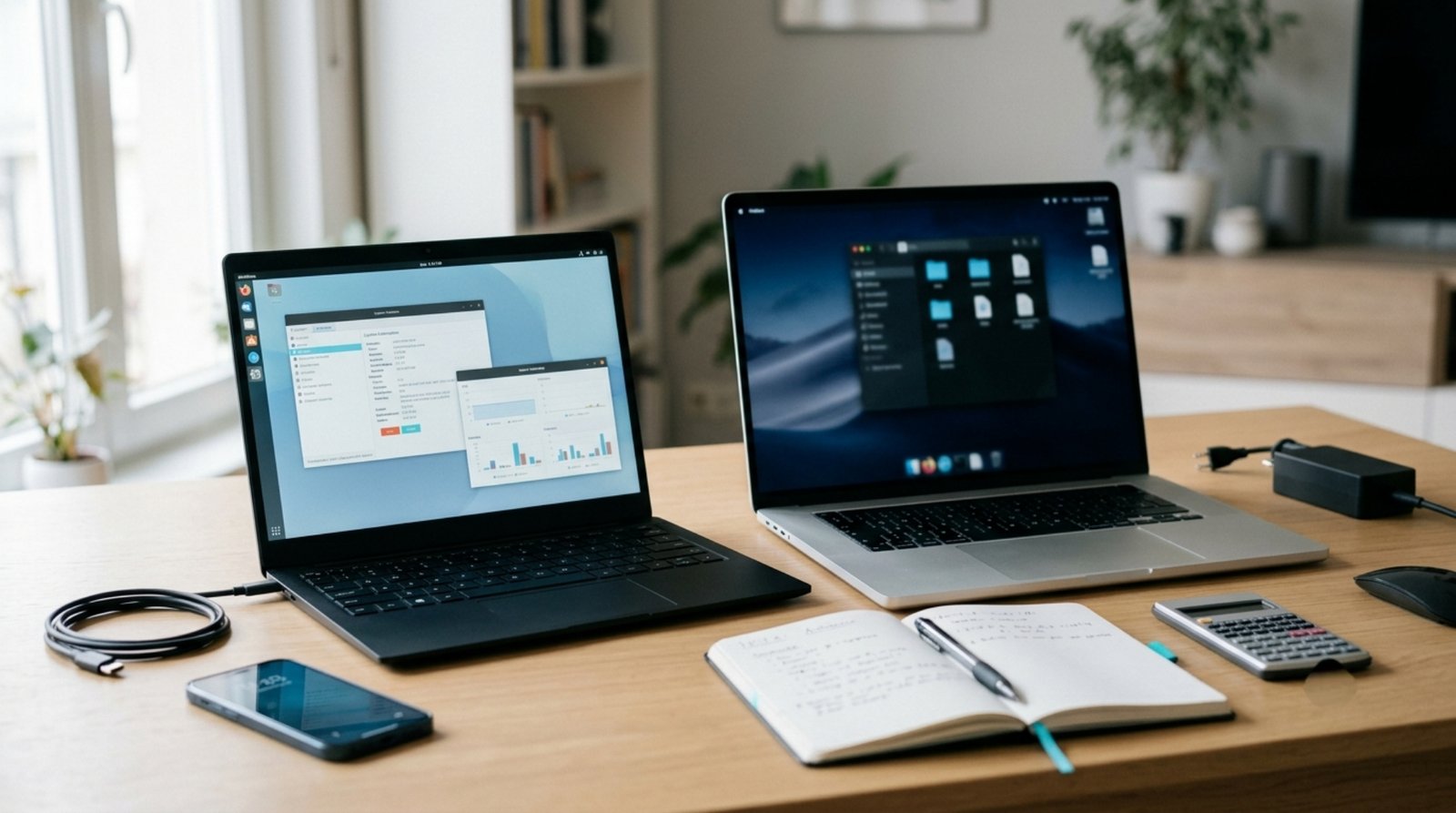

Buying a laptop can be surprisingly difficult.
There are hundreds of models, different processors, confusing specifications, multiple screen sizes, different storage options, and large price differences between devices that may look almost identical.
A laptop that is excellent for a university student may not be the right choice for a video editor. A powerful gaming laptop may be unnecessary for someone who mainly browses the web and works with documents. On the other hand, choosing a device that is too limited for your workload can become frustrating very quickly.
This is why choosing a laptop should not start with the question:
“What is the most powerful laptop I can buy?”
A better question is:
“What laptop actually fits the way I work?”
In this guide, we will explain how to evaluate a laptop in 2026, what specifications matter, which features deserve attention, and which marketing terms you should be careful about.
Note: This is a general buying guide rather than a recommendation for one specific laptop. Prices, availability, specifications, and product configurations vary by country and retailer.
What Should You Look for in a Laptop?
The most important laptop specifications include:
- Processor
- RAM
- Storage
- Display
- Graphics
- Battery
- Build quality
- Keyboard and touchpad
- Ports
- Wireless connectivity
- Upgradeability
- Operating system
- Weight and portability
However, specifications should always be considered together.
A laptop with a powerful processor but poor cooling may not perform as expected under sustained workloads.
A laptop with a beautiful display may still be inconvenient if its battery life is poor.
A very affordable laptop may become expensive later if it has limited storage or memory that cannot be upgraded.
The best choice depends on the complete package.
1. Start With Your Workload
Before comparing specifications, decide what you actually plan to do with the laptop.
Basic Everyday Use
If your main activities are:
- Web browsing
- Documents
- Video streaming
- Online meetings
- Social media
you generally do not need an extremely powerful machine.
A modern entry-level or mid-range laptop can be enough for these tasks.
University and Office Work
Students and office users may need:
- Web browsing
- Microsoft Office or similar software
- Research
- Video meetings
- PDFs
- Programming or specialized educational software
Portability, battery life, keyboard quality, and reliability can be particularly important.
Programming
Developers may care about:
- Processor performance
- RAM capacity
- SSD speed
- Screen resolution
- Keyboard quality
- External monitor support
- Operating system compatibility
The requirements vary significantly depending on whether you are doing web development, mobile development, game development, data science, or other specialized work.
Photo and Video Editing
Creative workloads can require more powerful hardware.
Important factors may include:
- Processor
- RAM
- SSD
- Display quality
- Color accuracy
- Dedicated graphics
- Cooling
Video editing requirements can vary substantially depending on resolution, codecs, effects, and software.
Gaming
Gaming laptops require special attention to:
- Dedicated GPU
- CPU performance
- Cooling
- Display refresh rate
- RAM
- Storage
- Power delivery
The graphics processor is particularly important because gaming performance depends heavily on GPU capability.
2. Understand the Processor
The CPU is one of the most important components in a laptop.
You may see processors from manufacturers such as Intel, AMD, and others depending on the market.
But the processor name alone does not tell the whole story.
Look at:
- Processor generation
- Architecture
- Number of cores
- Number of threads
- Performance characteristics
- Power consumption
- Integrated graphics
- Thermal design
A newer processor is not automatically better in every situation.
Different processor families are designed for different priorities.
Some focus on efficiency and battery life.
Others prioritize sustained performance.
When comparing two laptops, look at the actual processor model rather than relying only on marketing labels.
3. How Much RAM Do You Need?
RAM affects how many applications and tasks your computer can handle comfortably at the same time.
For basic use, a modest amount of RAM may be sufficient.
For heavier multitasking, programming, creative work, or professional applications, more RAM can be useful.
As a general guide:
- 8 GB: Suitable for many basic tasks, depending on the operating system and workload.
- 16 GB: A more comfortable choice for many users who multitask frequently.
- 32 GB or more: Useful for demanding workloads such as certain development, professional creative work, virtualization, and other memory-intensive tasks.
These are general guidelines rather than strict requirements.
The ideal amount depends on your applications.
Also check whether the RAM is upgradeable.
A laptop that allows future upgrades can provide more flexibility than one with permanently fixed memory.
4. Choose an SSD Instead of a Traditional Hard Drive
Storage affects how quickly your operating system, applications, and files can load.
Modern laptops commonly use SSD storage.
Compared with traditional mechanical hard drives, SSDs generally provide much faster access to data and make the computer feel more responsive.
If possible, an SSD should be the default choice for a modern laptop.
Common capacities include:
- 256 GB
- 512 GB
- 1 TB
- 2 TB or more
For many users, 512 GB can provide a reasonable balance between capacity and cost.
However, people working with large video files, games, virtual machines, or large project files may need more storage.
5. Pay Attention to the Display
You may spend hours looking at your laptop screen, so display quality matters.
Important characteristics include:
- Size
- Resolution
- Brightness
- Refresh rate
- Color coverage
- Color accuracy
- Viewing angles
- Panel technology
- Surface finish
For everyday productivity, a good-quality Full HD display can be sufficient for many users.
Higher resolutions can provide additional workspace and sharper images, but they can also consume more power and increase the cost.
Creative professionals should pay closer attention to color accuracy and coverage.
Gamers may care more about refresh rate and response characteristics.
6. Screen Size and Portability
Laptop sizes typically range from compact models to large desktop-replacement systems.
Smaller laptops are often easier to carry.
Larger laptops can provide:
- Bigger displays
- More workspace
- Larger keyboards
- Better cooling in some designs
- Additional ports
Think about how often you will physically carry the laptop.
If you commute every day, a lightweight machine can be more convenient than a large high-performance laptop.
If the laptop will mostly stay on a desk, screen size and performance may matter more.
7. Don’t Ignore the Keyboard and Touchpad
Specifications do not tell you how comfortable a laptop is to use.
If you type for hours every day, keyboard quality matters.
Look for:
- Comfortable key travel
- Good layout
- Reliable key feel
- Adequate palm rest
- Backlighting if needed
The touchpad should also be responsive and accurate.
These are easy features to overlook when shopping online.
If possible, physically test a laptop before buying it.
8. Check the Ports
Think about what you will connect to your laptop.
You may need:
- USB-A
- USB-C
- HDMI
- Headphone jack
- Ethernet
- SD or microSD
- External display connections
Modern thin laptops sometimes reduce the number of physical ports to save space.
That can be fine if you primarily use wireless accessories, but it can become inconvenient if you regularly connect external devices.
USB-C is particularly useful, but not every USB-C port provides exactly the same capabilities.
Check the specifications carefully if you need:
- Display output
- High-speed data transfer
- Charging
- Docking support
9. Battery Life Is More Complicated Than a Number
Manufacturers may advertise battery-life estimates, but real-world results depend on how you use the laptop.
Battery consumption can change based on:
- Screen brightness
- Processor workload
- Browser tabs
- Video playback
- Wi-Fi usage
- Background applications
- Battery condition
- Operating system settings
A laptop that lasts many hours during light browsing may provide significantly less runtime under heavy workloads.
If battery life is important, look for independent reviews that test the specific model.
10. Check Build Quality
Build quality affects how a laptop feels and how well it may handle everyday use.
Pay attention to:
- Hinge quality
- Keyboard deck flex
- Materials
- Screen stability
- Chassis construction
- Weight
- Port placement
A premium metal chassis is not automatically better for every user.
Some plastic laptops can be durable, lightweight, and practical.
What matters is how well the complete device is designed and constructed.
11. Cooling Matters More Than Many Buyers Realize
Performance is not only about the processor and graphics chip.
Cooling also matters.
When a laptop becomes too hot, it may reduce performance to manage temperatures.
This is often referred to as thermal throttling.
Look for reviews that test sustained performance rather than only short benchmark runs.
This is especially important for:
- Gaming
- Video editing
- 3D rendering
- Software compilation
- Virtual machines
- Long-running workloads
A laptop that performs well for five minutes but slows significantly after extended use may not be ideal for demanding work.
12. Integrated vs Dedicated Graphics
Many laptops include graphics integrated into the processor.
Integrated graphics can be sufficient for:
- Web browsing
- Office work
- Video playback
- Programming
- Basic photo editing
- Light gaming
Dedicated GPUs are designed for more demanding graphics workloads.
They can be useful for:
- Modern games
- 3D applications
- Professional video editing
- 3D rendering
- Certain AI and compute workloads
However, dedicated graphics can increase:
- Price
- Power consumption
- Heat
- Weight
Do not pay for a dedicated GPU if your workload does not benefit from it.
13. Consider Upgradeability
Upgradeability can significantly affect a laptop’s useful lifespan.
Before purchasing, check whether you can replace or upgrade:
- RAM
- SSD
- Wi-Fi card
- Battery
Not every laptop allows these upgrades.
Some ultra-thin devices use soldered components.
That can reduce future upgrade options.
If you plan to keep your laptop for several years, upgradeability may be worth considering.
14. Check Repairability
A laptop is a physical device, and components can eventually fail.
Consider how easy it is to:
- Replace the battery
- Access the SSD
- Replace the keyboard
- Repair the charging port
- Clean the cooling system
Repairability differs significantly between laptop models.
If long-term ownership matters to you, investigate repair options before purchasing.
15. Don’t Buy Based on the Brand Alone
Brand reputation can be useful, but it should not replace evaluating the specific laptop.
The same manufacturer may sell:
- Budget laptops
- Business laptops
- Gaming laptops
- Premium ultrabooks
- Workstations
Two laptops from the same company can have completely different designs and quality levels.
Compare the exact model.
16. Read Independent Reviews
Manufacturer specifications tell you what the laptop is designed to offer.
Independent reviews can tell you how it behaves in real use.
Look for reviews that discuss:
- Performance
- Battery life
- Display quality
- Keyboard
- Touchpad
- Fan noise
- Temperature
- Build quality
- Upgradeability
- Ports
Benchmark results can be useful, but do not use a single benchmark as the only reason to purchase a laptop.
Real-world testing is often more informative.
17. Compare the Complete Configuration
A laptop model may be sold with several different configurations.
For example, one version may have:
- 8 GB RAM
- 256 GB SSD
while another version of the same laptop may have:
- 16 GB RAM
- 512 GB SSD
The experience can be very different.
Always check the exact configuration before buying.
Do not assume that every laptop with the same model name has identical specifications.
18. Consider Used and Refurbished Laptops
A used or refurbished laptop can sometimes provide access to higher-quality hardware for less money.
However, condition matters.
Before buying a used laptop, check:
- Battery health
- Screen condition
- Keyboard
- Touchpad
- Ports
- SSD health
- RAM
- Charger
- Wi-Fi
- Speakers
- Webcam
- Hinges
- Physical damage
For business-class laptops, check whether the device has an enterprise BIOS password or management lock that could prevent normal use.
Also verify the exact model and specifications.
A cheap laptop is not a bargain if important components are damaged or missing.
19. Think About Your Total Cost
The purchase price is not always the complete cost.
You may also need:
- Carrying case
- Mouse
- External storage
- Dock
- Monitor
- Software
- Warranty
- Replacement battery
- Additional RAM or storage
Consider these expenses before deciding how much you can realistically spend.
20. Avoid Buying More Power Than You Need
More powerful hardware can sound attractive.
But additional performance often means:
- Higher cost
- More heat
- Greater power consumption
- More weight
- Shorter battery life
If you only browse the web and work with documents, you probably do not need a high-end gaming laptop.
If you are compiling large projects, editing video, or running demanding applications, however, spending more on performance may make sense.
The goal is not maximum specifications.
The goal is appropriate specifications.
Laptop Recommendations by User Type
Instead of naming one universal “best laptop,” it is more useful to think in categories.
For Students
Prioritize:
- Battery life
- Portability
- Comfortable keyboard
- Reliable performance
- Good display
- Reasonable price
For Office Work
Prioritize:
- Keyboard
- Display
- Battery
- Reliability
- Webcam
- Connectivity
For Developers
Prioritize:
- CPU
- RAM
- SSD
- Keyboard
- Display
- External monitor support
For Creators
Prioritize:
- CPU
- RAM
- GPU when required
- Display quality
- Storage
- Cooling
For Gamers
Prioritize:
- Dedicated GPU
- CPU
- Cooling
- Display refresh rate
- RAM
- SSD
For Travelers
Prioritize:
- Weight
- Battery life
- Durability
- Compact charger
- Connectivity
A Simple Laptop Buying Checklist
Before purchasing, ask:
Performance
- Is the processor appropriate for my workload?
- Is there enough RAM?
- Is the storage fast enough?
- Do I need dedicated graphics?
Display
- Is the screen large enough?
- Is the resolution suitable?
- Is brightness adequate?
- Do I need good color accuracy?
Mobility
- Is the laptop light enough?
- Is the battery suitable for my usage?
- Is the charger practical to carry?
Hardware
- Does it have the ports I need?
- Can I upgrade the RAM or SSD?
- Is it easy to repair?
Quality
- Is the keyboard comfortable?
- Is the touchpad good?
- Are the hinges sturdy?
- Is the cooling adequate?
Long-Term Ownership
- Can I get replacement parts?
- Is the manufacturer providing software updates?
- Is the warranty appropriate?
- Can I repair or upgrade the machine later?
Final Thoughts
Choosing the right laptop in 2026 is not about finding a device with the largest number of cores, the most RAM, or the highest benchmark score.
The right laptop is the one that matches your actual workload, budget, portability requirements, and expectations.
Start by identifying what you will use the computer for.
Then compare the processor, RAM, SSD, display, graphics, battery, cooling, ports, build quality, upgradeability, and repairability.
Most importantly, compare the exact configuration, not just the model name.
A carefully chosen mid-range laptop can be a better long-term purchase than an expensive machine filled with hardware you never use.
Take your time, read independent reviews, test the device when possible, and focus on the features that will actually affect your everyday experience.
Frequently Asked Questions
How much RAM should a laptop have in 2026?
There is no universal requirement. 8 GB can be enough for some basic workloads, while 16 GB provides more flexibility for multitasking and many professional tasks. Demanding workloads may benefit from 32 GB or more.
Is an SSD necessary?
For a modern laptop, SSD storage is strongly preferable because it generally provides much faster responsiveness than traditional mechanical storage.
Is a dedicated graphics card necessary?
Not for everyone. Basic productivity, browsing, office work, and many programming tasks can work well with integrated graphics. Gaming and certain professional workloads may benefit significantly from a dedicated GPU.
Is a larger screen better?
Not necessarily. Larger screens provide more workspace, while smaller screens can make the laptop easier to carry. Choose based on how you will use the device.
Should I buy a used laptop?
A used laptop can make sense when the condition, specifications, price, and repairability are appropriate. Inspect the device carefully and verify the exact configuration before purchasing.
Is a more expensive laptop always better?
No. A more expensive laptop may provide better hardware or build quality, but the additional features may not be useful for your workload.
What is more important, CPU or RAM?
It depends on the workload. The CPU affects processing performance, while RAM affects how comfortably the system can handle multiple applications and memory-intensive tasks. Both matter, but their importance varies by use case.
Should I upgrade RAM or storage?
If your system frequently runs out of memory, additional RAM may help. If you need more space for files and applications, additional storage may be more useful. Check whether the laptop supports upgrades before buying replacement components.
